
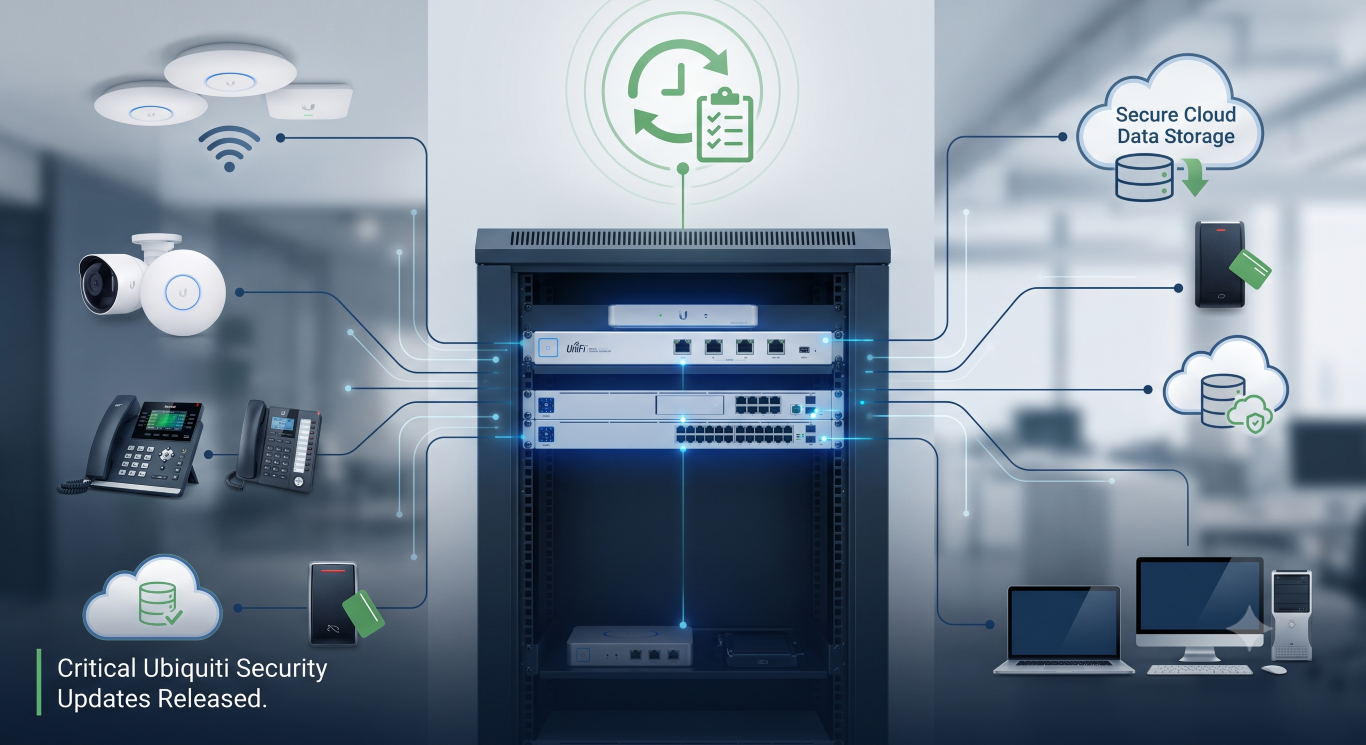
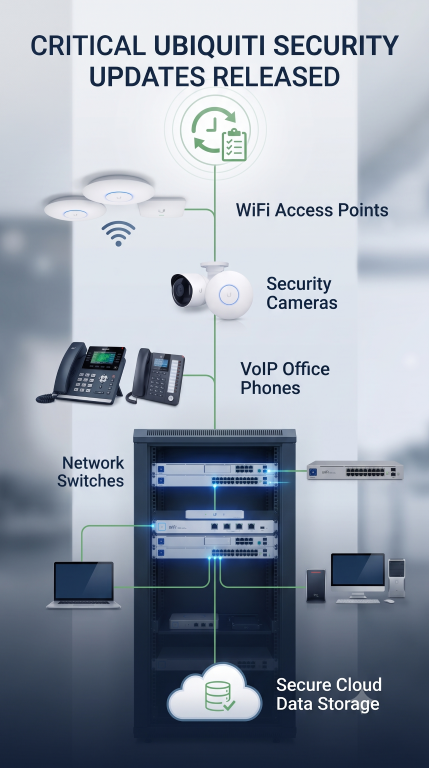
If your business uses Ubiquiti networking equipment, security cameras, office phones, or electronic door access systems, your IT provider should already be scheduling updates.
Earlier this month, Ubiquiti released Security Advisory Bulletin 066, disclosing 25 security vulnerabilities affecting multiple parts of its UniFi platform. Several of these vulnerabilities were rated Critical, including one that received the maximum possible severity score of 10.0 out of 10.
The good news is that Ubiquiti has already released fixes, and at the time of writing there are no reports of widespread attacks using these vulnerabilities. Still, these are not updates businesses should postpone.
Not just Ubiquiti devices
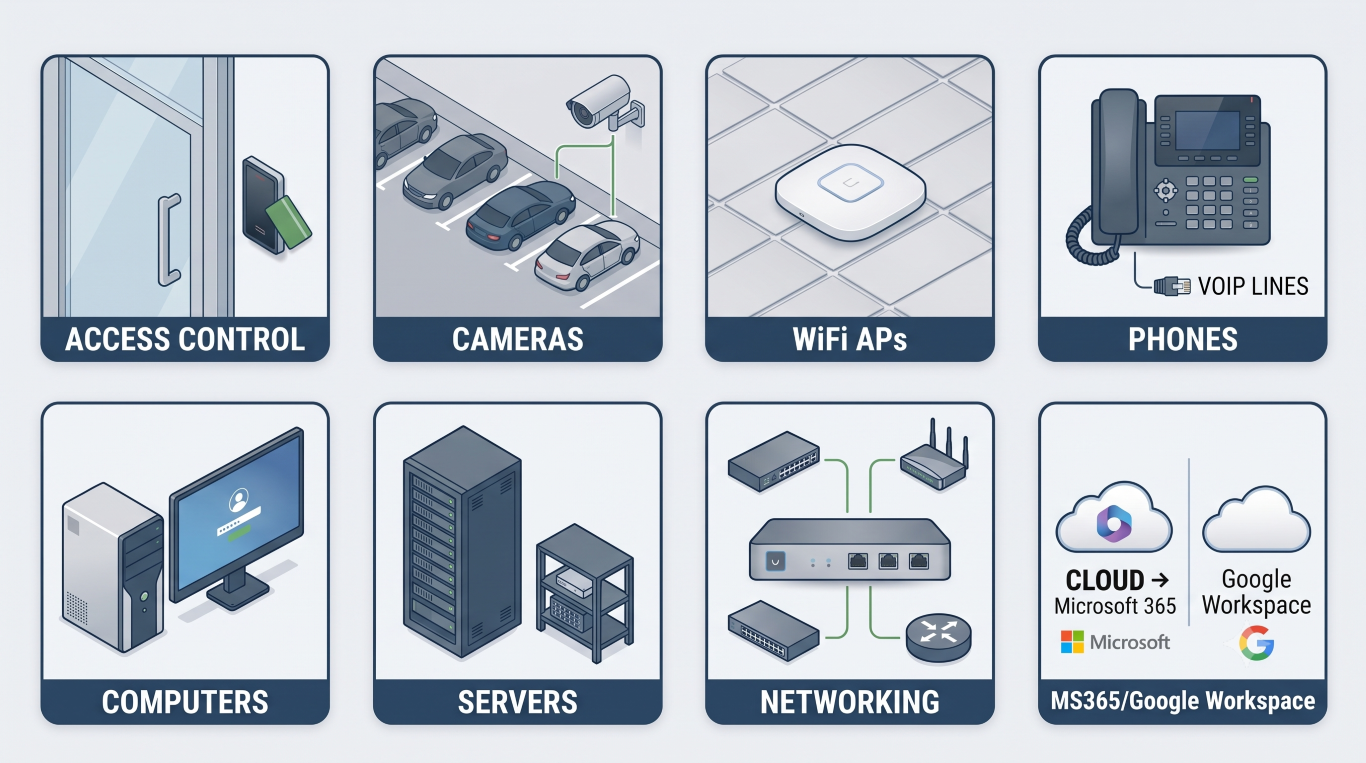
Although this week’s news involves Ubiquiti equipment, the reality is that this applies to every technology platform businesses rely on today. Firewalls, WiFi systems, servers, laptops, Microsoft 365, Google Workspace, security cameras, phone systems, and even door access systems all receive regular security updates as new vulnerabilities are discovered.
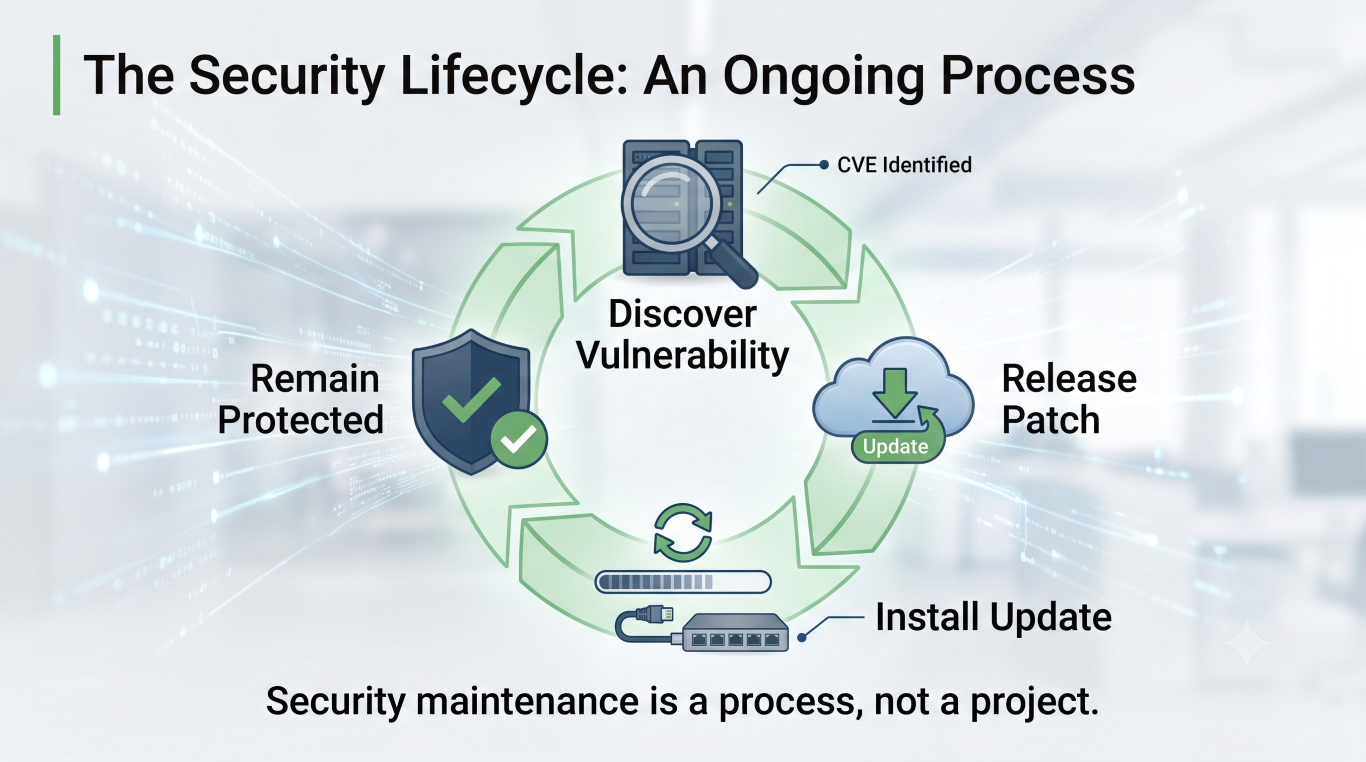
In the IT industry, finding and fixing vulnerabilities is a normal and ongoing process. The important question isn’t whether vulnerabilities exist — they do, and they always will. The important question is whether someone is actively maintaining your systems and ensuring those updates are being installed before those vulnerabilities become a problem.
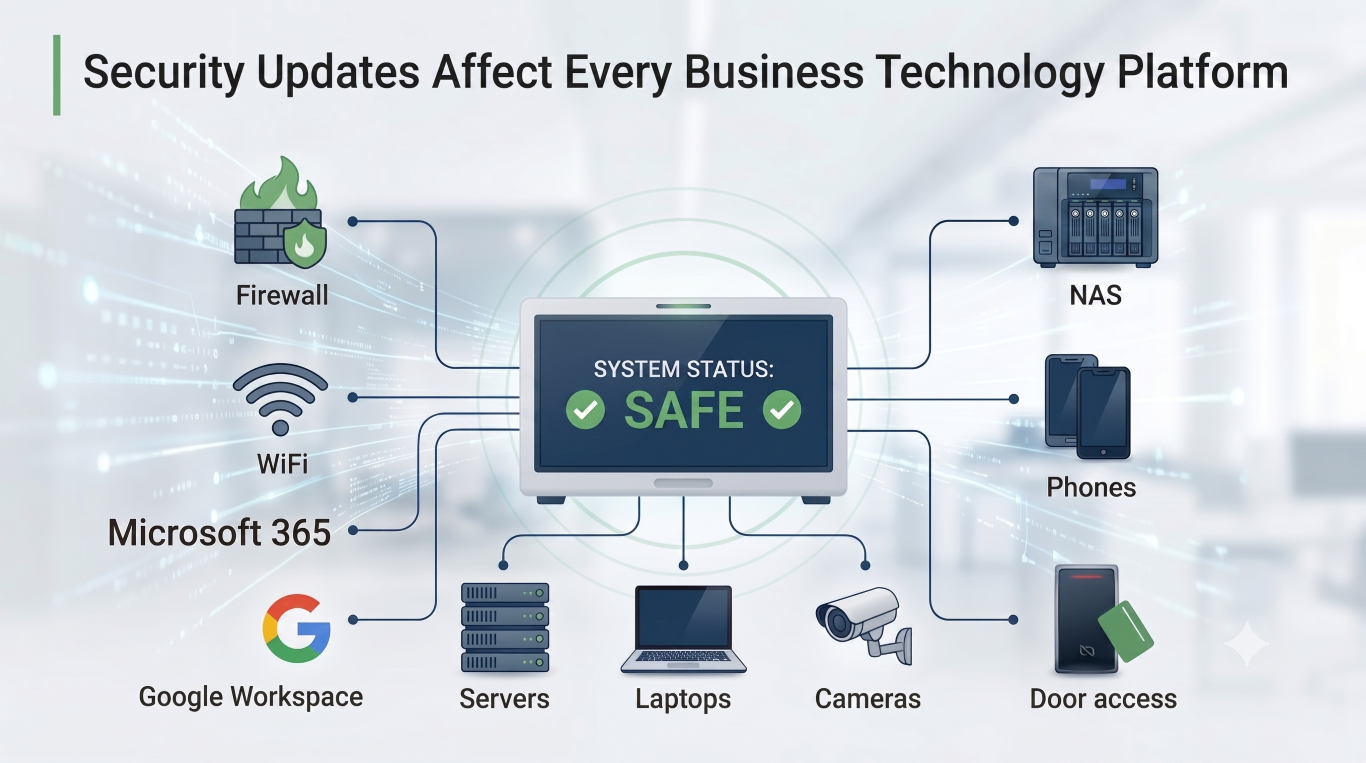
Security isn’t a one-time project or a box that gets checked once and forgotten. It’s an ongoing process of monitoring, maintaining, and updating the systems your business depends on every day.
What Was Found?
CVE-2026-50746 — The Big One
This vulnerability received a 10.0 severity rating, the highest possible.
It affects UniFi Connect, Ubiquiti’s platform for managing smart building systems such as:
- Digital signage
- Smart lighting
- Building displays
- EV chargers
- Environmental controls
In simple terms, this vulnerability could potentially allow an attacker to run their own commands directly on the underlying system running the software.
Imagine someone walking into your office and being handed administrator access to your building management system. That’s essentially the level of concern security researchers had with this issue.
Fortunately, most small businesses do not currently use UniFi Connect.
CVE-2026-55115 — Security Cameras Could Trust the Wrong Person
This vulnerability affects UniFi Protect, Ubiquiti’s security camera platform.
If your business uses Ubiquiti cameras for:
- Front entrances
- Parking lots
- Warehouses
- Reception areas
- After-hours monitoring
you’re likely using UniFi Protect.
This issue could potentially allow a low-level user or compromised device to convince the camera system to perform actions it normally shouldn’t be allowed to perform, potentially leading to elevated access on the device hosting the camera system.
CVE-2026-54408 and CVE-2026-54407 — Unauthorized Camera Access
Also affecting UniFi Protect, these vulnerabilities involved authentication bypasses.
In plain English, portions of the software responsible for streaming video could potentially be accessed without going through the normal login process under certain conditions.
Think of it as finding a side door into a building that accidentally bypasses reception.
CVE-2026-55117 — Accessing Files That Should Be Off Limits
This vulnerability affected UniFi Access, Ubiquiti’s electronic door access system.
Businesses use UniFi Access for:
- FOB cards
- Keycards
- PIN pads
- Reception doors
- Employee entrances
- Warehouse access
Security researchers discovered a flaw that could potentially allow someone to view files stored on the underlying system that they were never intended to see.
Imagine opening your HR filing cabinet and discovering that pulling one folder out accidentally gives you access to every drawer in the cabinet. That’s essentially what this vulnerability allowed.
CVE-2026-55118 — Office Phone System Privilege Escalation
This vulnerability affected UniFi Talk, Ubiquiti’s business phone platform.
UniFi Talk powers:
- Reception phones
- Employee desk phones
- Extensions
- Auto attendants
- Call routing
The vulnerability could potentially allow a user with limited permissions to gain greater control over the phone system than they should normally have.
CVE-2026-55113 and CVE-2026-55117 — Network Administrator Privilege Escalation
These vulnerabilities affected UniFi Network, the software that manages:
- WiFi access points
- Network switches
- Internet gateways
- Guest WiFi
- VLANs and network segmentation
This is essentially the “brain” of your office network.
The vulnerabilities could potentially allow a user with limited access to gain higher levels of administrative control over the networking platform.
Which Hardware Could Be Affected?
These vulnerabilities primarily affect the software running on Ubiquiti management devices rather than the WiFi access points and switches themselves.
Examples of affected hardware include:
- Dream Machine (UDM)
- Dream Machine Pro (UDM Pro)
- Dream Machine SE (UDM SE)
- Dream Router (UDR)
- Dream Router 7 (UDR7)
- UniFi Cloud Gateway Ultra
- UniFi Cloud Gateway Max
- Cloud Key Gen2
- Cloud Key Enterprise
- UniFi Network Video Recorder (UNVR)
- UniFi NAS appliances
For many businesses, this means the small rack-mounted device in the server room or network closet that manages the office WiFi, internet connection, cameras, and door access systems is the component that needs updating.
Should Businesses Be Worried?
Concerned? Yes.
Panicked? No.
This is exactly why vendors release security updates and why managed IT providers spend so much time installing them.
The vulnerabilities have been identified, patches have been released, and updating affected systems resolves the issue.
If your organization uses UniFi equipment and you’re unsure whether you’re affected, now is a good time to ask your IT provider when your last UniFi update was completed. And if you don’t use UniFi equipment, its still work confirming updates of your networking equipment, regardless of vendor, have been completed.